A private scan
Scan without adding the result to your Library.
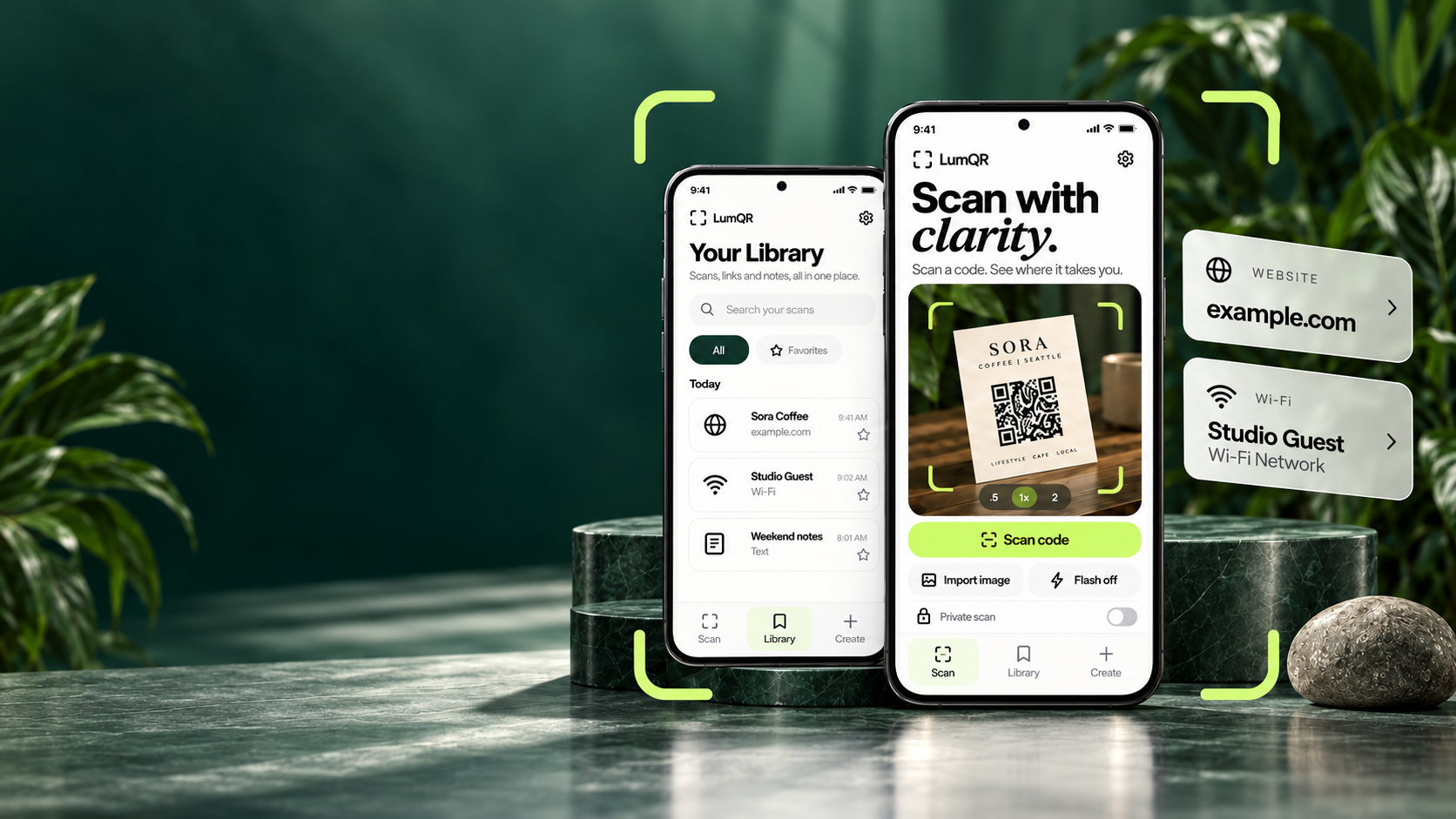
01 / MADE FOR YOUR EVERYDAY
A menu at your favourite café. A screenshot in a chat. Your guest Wi-Fi.
Make the next step feel simple.
Read the website address before opening a QR menu.
Website links IN YOUR MESSAGESImport a saved image without needing another screen.
Photos & screenshots WHEN FRIENDS VISITCreate a guest Wi-Fi QR to share with people you choose.
Wi-Fi sharing02 / CAMERA OR CAMERA ROLL
Read QR codes and supported barcodes.
Choose what happens next.
Use your camera or import a photo from your gallery.
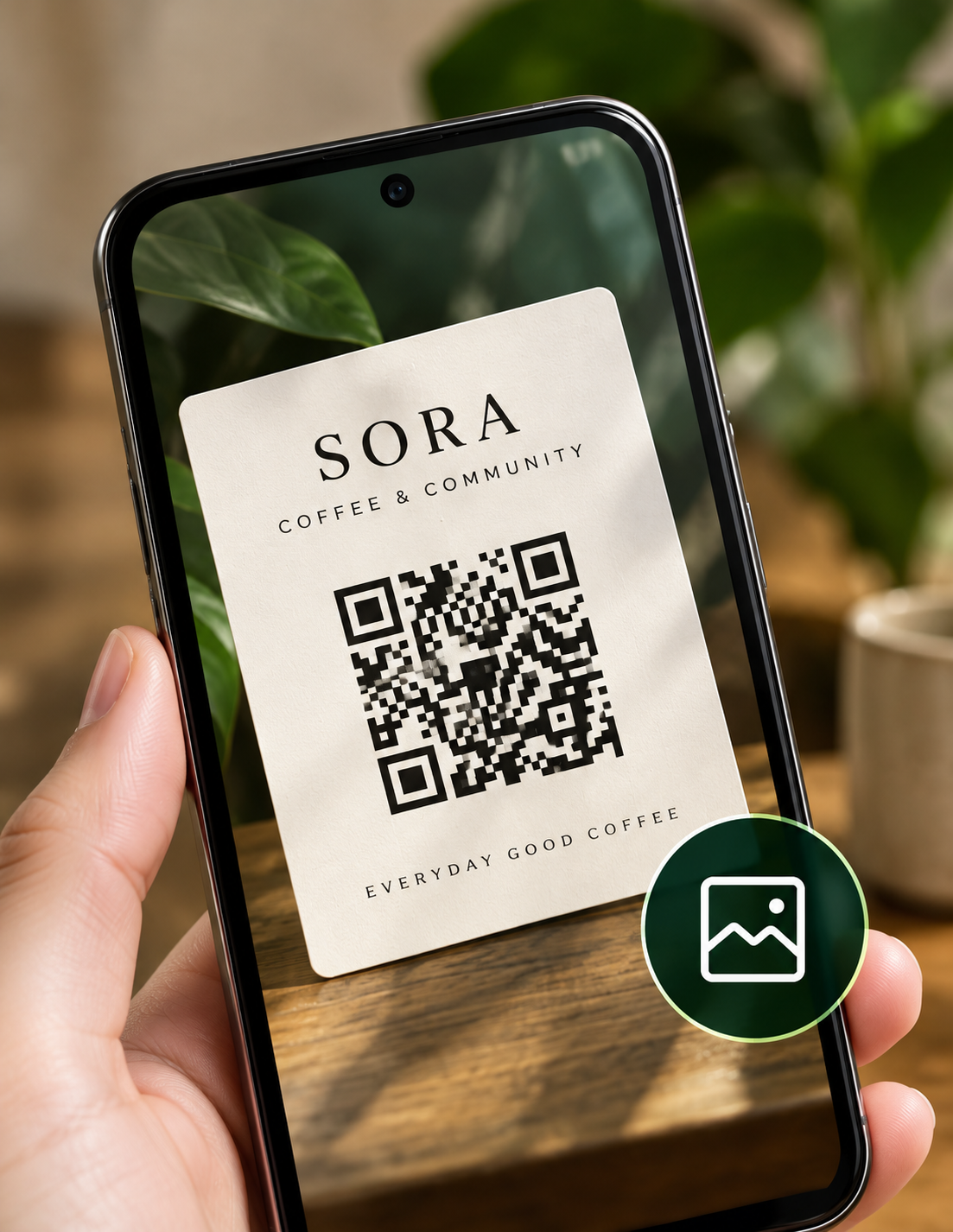
See the destination before you open it.
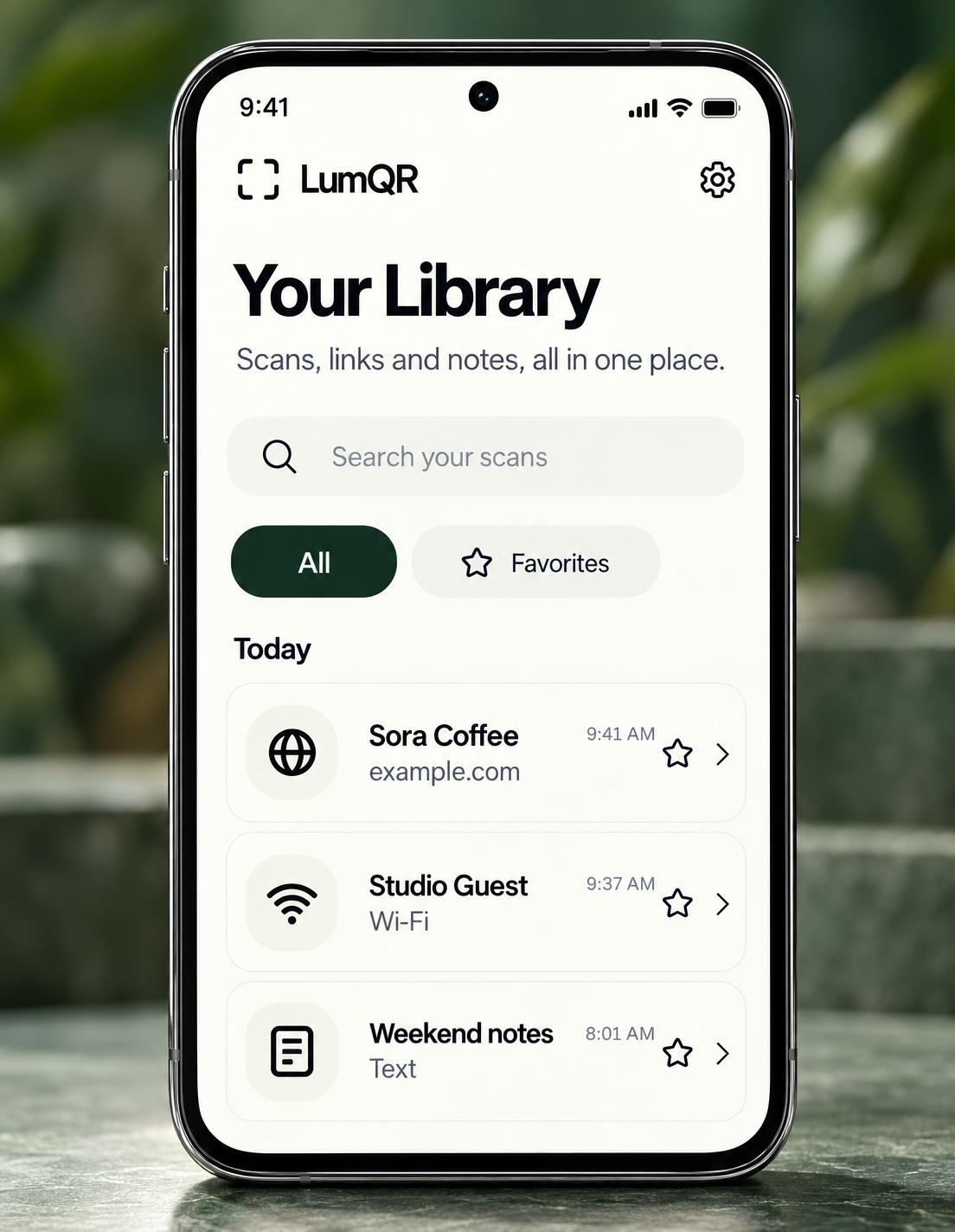
Keep scans, links and notes in one place for later.
03 / A LITTLE CLARITY FIRST
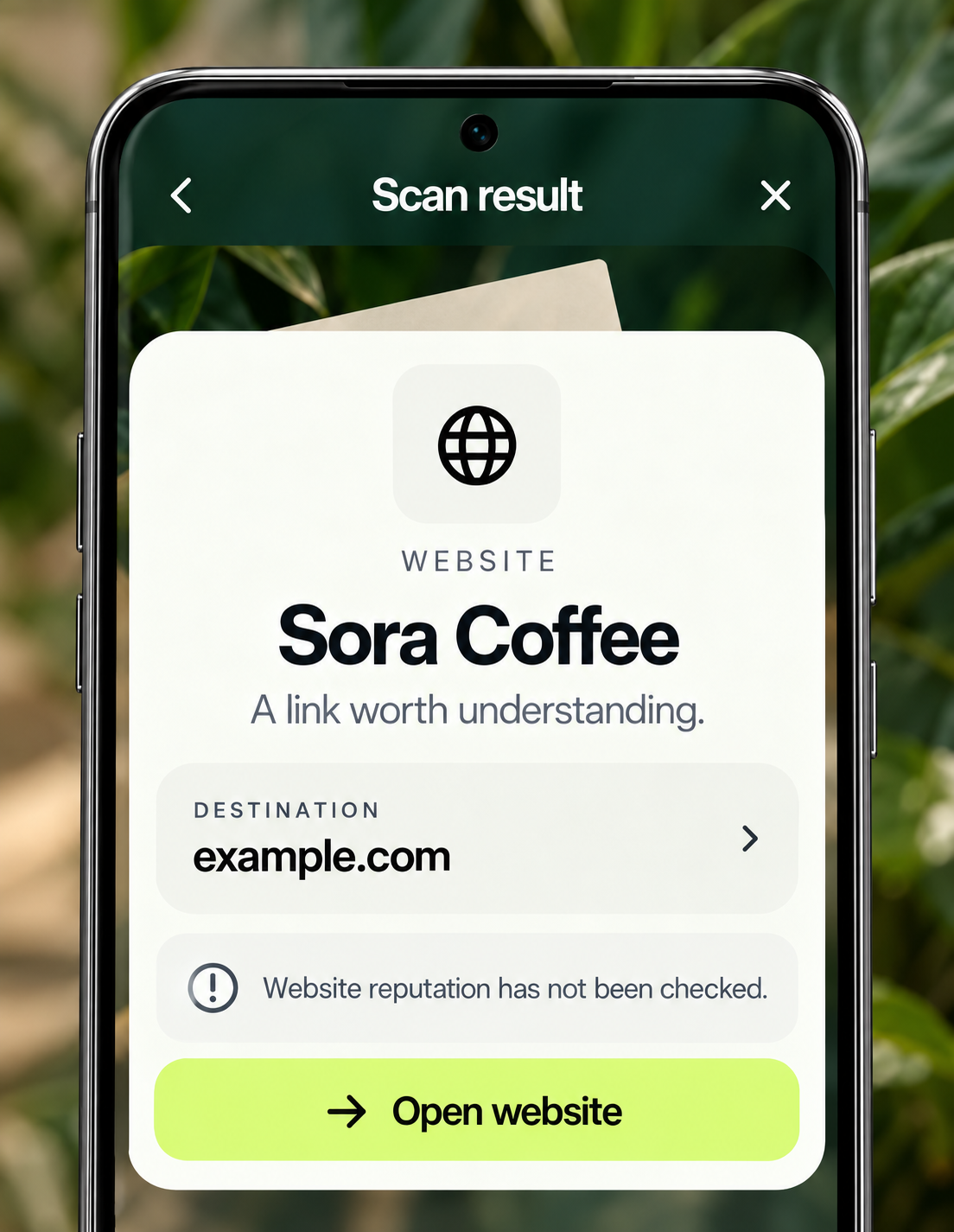
See where a code wants to take you. Then decide what happens next.
A clear website address, before the browser opens.
Open, copy or share when you're ready.
Scanning a link doesn't automatically open it.
Local warnings aren't a website safety check. Always review the destination.
WEBSITE
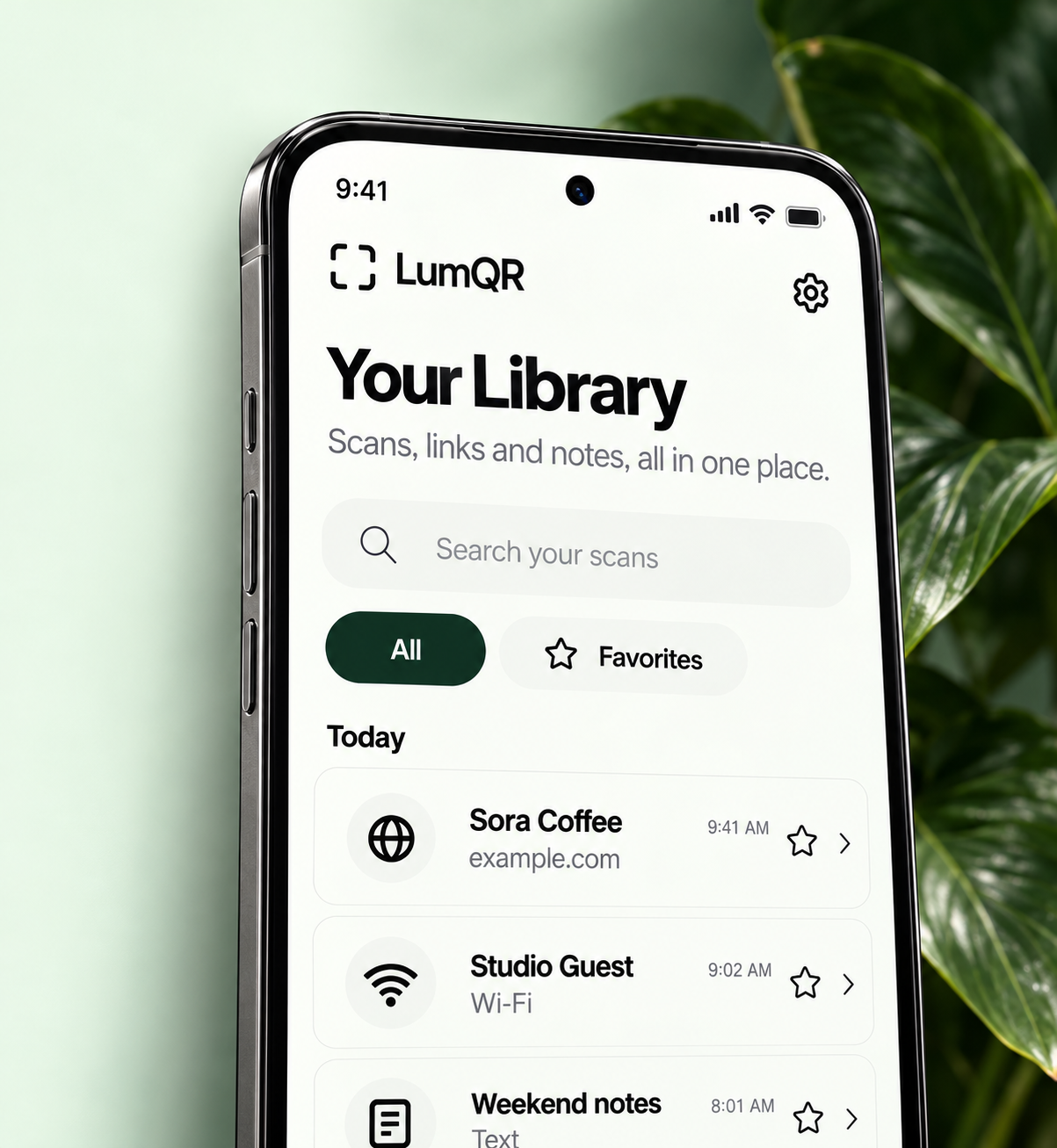 A little less searching.
04 / YOUR OWN LITTLE COLLECTION
That useful link shouldn't disappear into a camera roll. Give your everyday discoveries a place of their own.
Search your saved results in one Library.
Rename a result so it means something to you.
Mark the things you want to return to.
Set retention or delete what you no longer need.
05 / MAKE SOMETHING USEFUL
A favourite website. A short note. Guest Wi-Fi.
Create a static QR in LumQR, then save or share the image.
Turn a website address into a QR you can share.
Select an example to preview it. These are sample codes, not a web QR generator. Wi-Fi codes contain credentials: share thoughtfully.
A LITTLE DISCOVERY

example.com
Made with LumQR06 / ROOM FOR YOUR CHOICES
Keep what matters. Let the rest stay in the moment.
Our approach to privacyScan without adding the result to your Library.
Wi-Fi passwords stay in the session unless you separately choose to save them in protected device storage.
Scan, create and organise without a LumQR signup.
Decoding happens on your device. Advertising and store services may process other data, as explained in our Privacy Policy.
07 / A SIMPLER CHOICE
Core tools stay free.
Prefer a quieter space? Choose the planned one-time Remove Ads option.
LUMQR
Free core features, supported by ads.
REMOVE ADS
One-time purchaseAll the same core tools.
Without LumQR's in-app ads.
No recurring subscription for Remove Ads.
Pricing will be shown in the store before purchase. Purchases aren't open yet; Android and iOS purchases are not promised to transfer between platforms.
Planned for launchYes. Choose Import image in LumQR and select a screenshot or photo from your device. You don't need to display it on another screen.
Camera decoding, image decoding and static QR creation work on your device. Opening websites, advertising services and store purchases can require an internet connection.
No. LumQR shows the result first. You decide whether to open, copy or share it. Local warnings do not guarantee that a website is safe.
No LumQR account is required for core scanning, QR creation or your local Library. A store account will be needed for a future purchase and restoration.
Library records stay on your device. Private scans are excluded. Wi-Fi passwords remain session-only unless you explicitly choose protected storage. Read our Privacy Policy for retention and third-party services.
Google Play and App Store releases are Coming Soon. We haven't announced a date. Official download links will appear here when each platform is ready; public APK downloads are not available.
No. We plan a one-time store purchase to remove LumQR's in-app ads. Core scanning features stay free. Final pricing and availability will be shown at launch.
A LITTLE CLARITY. IN YOUR POCKET.
Coming soon to your everyday.